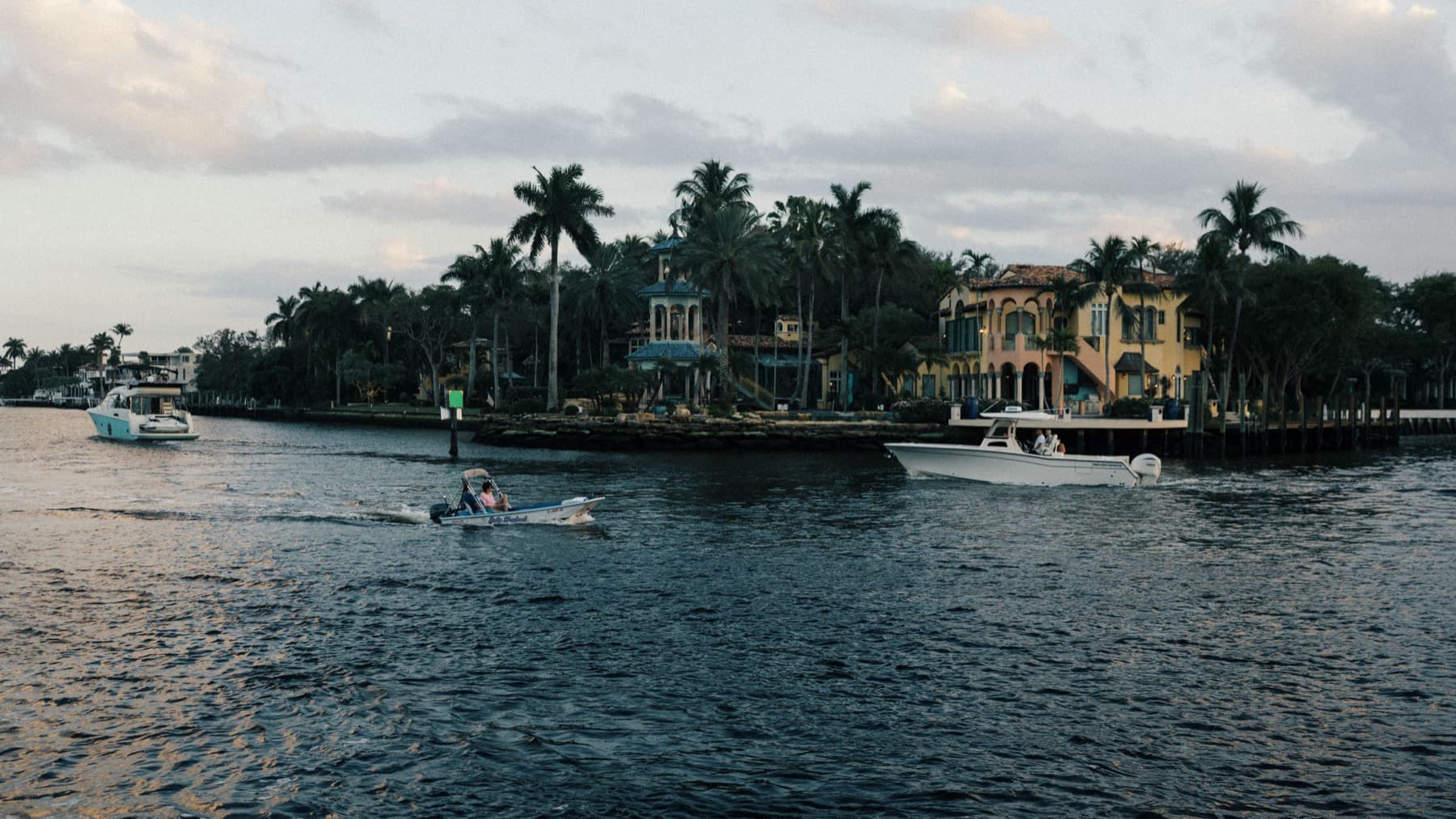
Connect Miamiby water.
Avoid the traffic. Enjoy the trip. Every dock on the bay is a doorway into the network — if you have water at your property, put it on the map.
Free to join · about 5 minutes · public or private · ready the day Nava launches
Miami was built on the water. We put it back to work.
Three hundred miles of bays, canals, and Intracoastal already connect every neighborhood that matters — and sit empty while the causeways lock up. Nava routes riders across that water, dock to dock. Every dock we add makes the map bigger. Yours is the next one.
- Avoid the traffic
- No causeway, no bridge, no red lights.
- Enjoy the trip
- Skyline both ways, on the open bay.
- Dock to dock
- Step off at the door, not a parking garage.
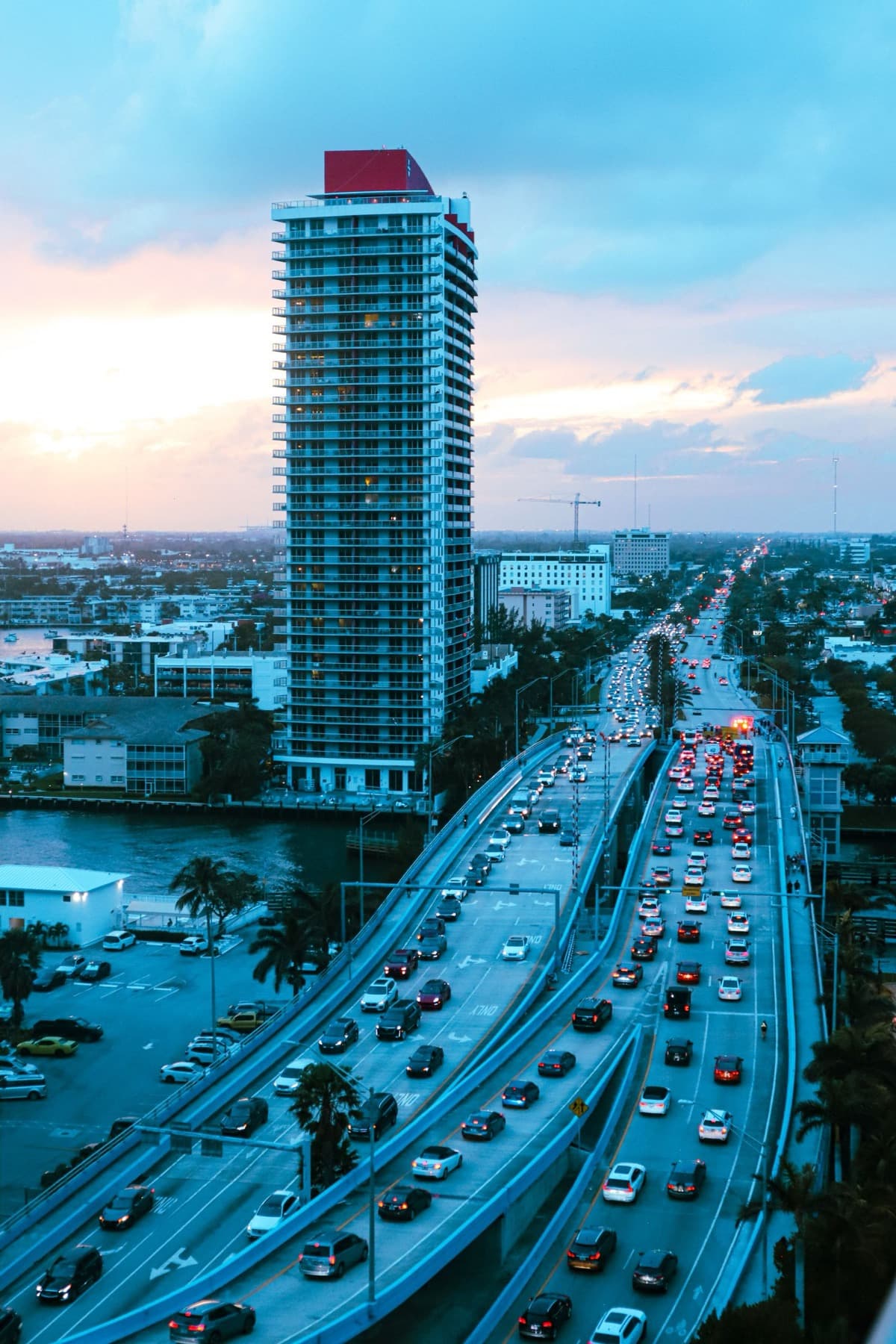 Miami traffic at rush hour
The causeways are full. The water is wide open.
Every dock on the network is a way off the road. Riders cross the bay dock to dock while the bridges above them sit still — and your dock is where they get on and off.
See every route timed against trafficClick your dock type to see exactly how Nava works for you — and start your signup.
Not sure which fits? Start the signup and pick your type as you go.
On the map in days, not quarters.
Add your dock
Five minutes on the web. Drop a pin, set your hours, and tell us the dock's size. You keep control of when it's used.
Public or private
List it on the rider map as a destination anyone can visit — or keep it private, for your residents and guests only, off the public map.
The bay comes to you
Riders route to your dock across the network. Public docks earn a fee on every trip; private docks stay yours.
If it touches the water, it belongs on the network.
Free to join, and ready the day Nava launches. Public or private — you choose how your dock lives on the water map.
Add your dock